
Make an ATS-friendly CV with Claude and Overleaf
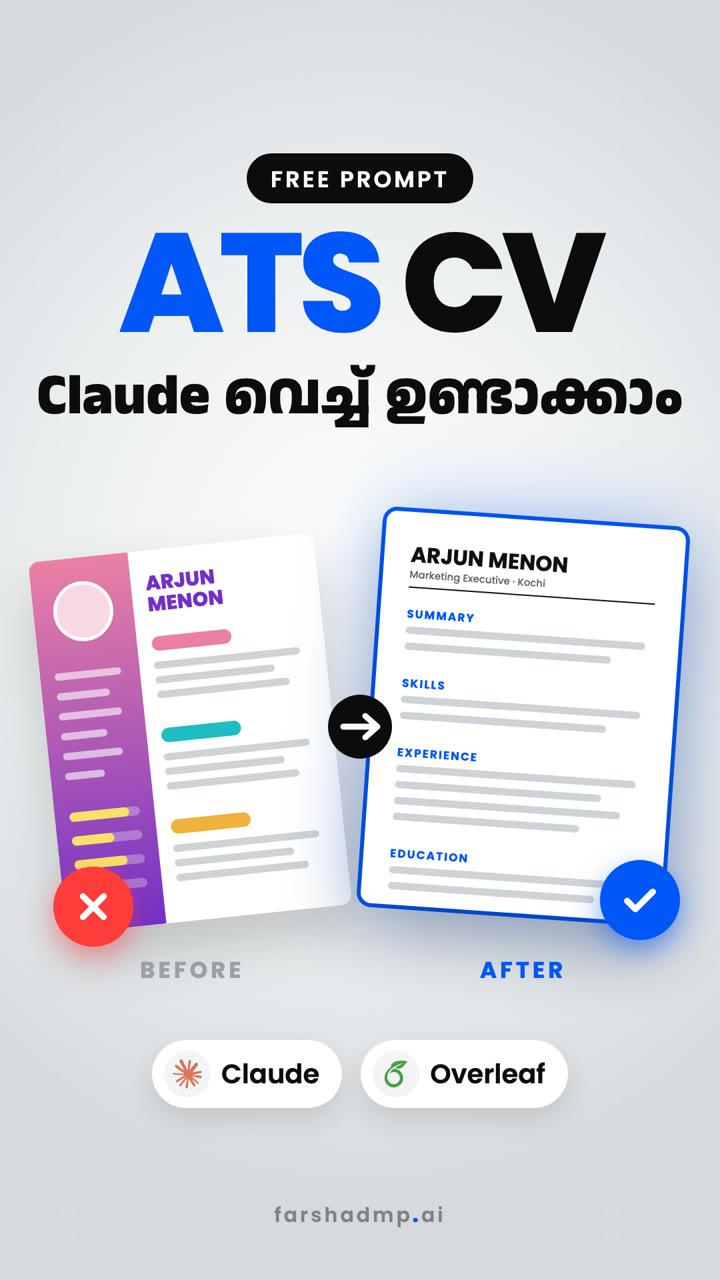
Many companies screen CVs with ATS software before a person reads them, and fancy Canva layouts with columns and graphics can confuse it. Upload your old CV to Claude, paste the prompt below, then turn the result into a clean PDF on Overleaf.
CV ഉണ്ടാക്കാൻ ഇനി Canva വേണ്ട!
The links
Claude
Upload your CV and paste the prompts here.
Steps 1–3Overleaf
Free LaTeX editor. Sign in, create a blank project and paste the code.
Steps 4–5Copy the prompts
Prompt 1: rewrite your CV for ATS
Attach your current CV (PDF or Word) to a new Claude chat, then paste this.
Act as an expert resume writer and ATS optimization specialist. I have attached my current resume. Rewrite it to be fully ATS-compliant based on these strict rules:
1. Format the output in clean, simple Markdown with standard headings (Summary, Skills, Professional Experience, Education).
2. Remove any complex formatting, tables, or columns from your output.
3. Rewrite the experience bullet points to be achievement-focused using the XYZ formula ("Accomplished [X] as measured by [Y], by doing [Z]").
4. Start every bullet with a strong action verb and remove subjective fluff words.
5. Naturally integrate relevant industry keywords throughout the text.
Prompt 2: get the Overleaf code
Send this in the same chat after Claude has rewritten your CV.
Now give me this same resume as Overleaf (LaTeX) code. Put it all in one main.tex file, single column, with no tables, images or graphics, so it stays ATS-friendly and compiles on Overleaf.
From old CV to a clean PDF
Open Claude and upload your CV
1Go to claude.ai, start a new chat and attach your current CV with the + button.
Paste Prompt 1 and send
2Claude rewrites your CV with standard headings and achievement-focused bullet points. If it asks about your target role, answer it.
Ask for the Overleaf code
3Send Prompt 2. Claude replies with LaTeX code. Copy all of it.
Create a blank project on Overleaf
4Sign in at overleaf.com/project (there is a free plan), click New project → Blank project and give it a name like “My CV”.
Paste and Recompile
5Replace everything in main.tex with the copied code and click Recompile. Your CV shows on the right; download it as a PDF.
- Ready? It takes a minute.Open Claude
Good for
Good to know
Use your real numbers
1Claude may leave placeholders like [X]% in bullet points when your CV has no figures. Replace them with real numbers from your work, or remove them. Don't make numbers up.
Check every line
2Read the rewritten CV carefully. Fix anything Claude got wrong about your jobs, dates or skills before you send it.
Compile error?
3Copy the error message from Overleaf, paste it into the same Claude chat and ask it to fix the code.
One CV per job type
4Paste a job description into the chat and ask Claude to tailor the keywords to it. Keep a separate Overleaf project for each version.
More useful AI tips, in Malayalam
ഇതുപോലെയുള്ള Useful Tips അറിയാൻ Page Follow ചെയ്തോളൂ!