
Edit your videos with Claude, using any reel as the reference
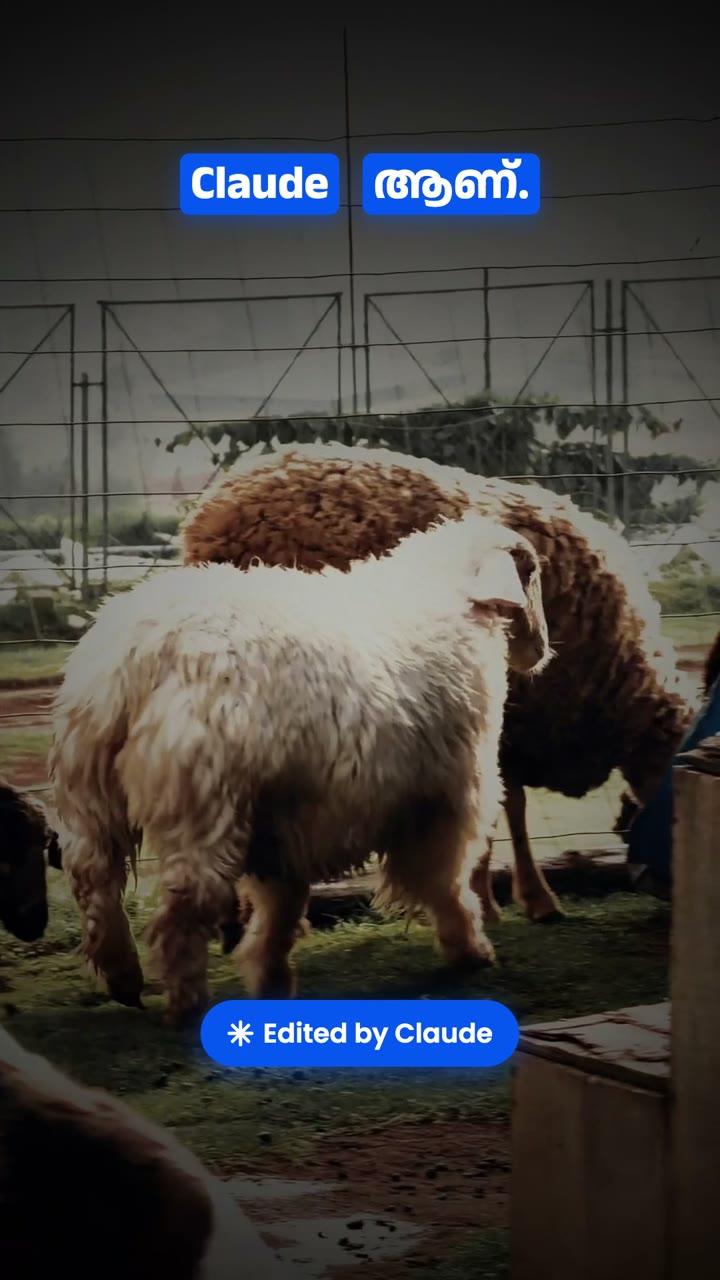
My Ooty trip videos sat on my phone because I was too lazy to edit them. I gave the raw clips and a reel I liked on Instagram to Claude Code. It matched the reel's song, cuts and timing, then picked the shots and added slow motion, stabilization, colour grading and even a train horn sound.
വീഡിയോ Edit ചെയ്യാൻ ഇനി Editors-ന്റെ കാലു പിടിക്കേണ്ട!
This uses Claude Code (the Code tab in the Claude desktop app). Claude Code has no free tier: you need a Claude Pro, Max or Team plan. It edits the files on your own computer, so keep your videos in one folder there.
Paid Claude Plan വേണം. Videos നിങ്ങളുടെ Computer-ൽ ഒരു Folder-ൽ വെക്കുക.
From raw clips to a finished reel
Get the Claude desktop app
1Install it, sign in with a paid plan and open the Code tab.
Put everything in one folder
2Put your raw videos in a folder called Footage and save the reference reel next to it. A screen recording of the reel works too.
Say what you want, in plain words
3Pick that folder in Claude Code and ask: “Edit like Reference.mp4 using the videos in Footage. Same song and duration. Start with the title ‘ഒരു ഊട്ടി യാത്ര’.” Malayalam or Manglish is fine.
Approve the tools
4Claude may ask to install free video tools like ffmpeg. Approve them and it does the cutting, timing and rendering itself.
Ask for changes
5Watch the result and reply like you would to an editor: “moody dark colour grade”, “smoother slow motion”, “stabilize it”, “add a train horn where the train comes”.
Get your MP4
6The final video is saved in your folder, ready to post.
- Ready? It takes a minute.Download Claude
Good for
Good to know
Shoot at 60fps
1Phone clips recorded at 60fps give the smoothest slow motion. Claude slows them to half speed without dropping frames.
Pick a clear reference
2A reel with obvious cuts on the beat is easiest to match. Claude reads the cut times from the reference and cuts your clips on the same beats.
Music on Instagram
3If you post on Instagram, you can also add the same song from Instagram's music library when you upload, so the audio is licensed.
Sound effects
4The train horn in my edit was generated with ElevenLabs, connected to Claude. Without that, give Claude a free sound-effect file and tell it where to put it.
More useful AI tips, in Malayalam
ഇതുപോലെയുള്ള Useful Tips അറിയാൻ Page Follow ചെയ്തോളൂ!