
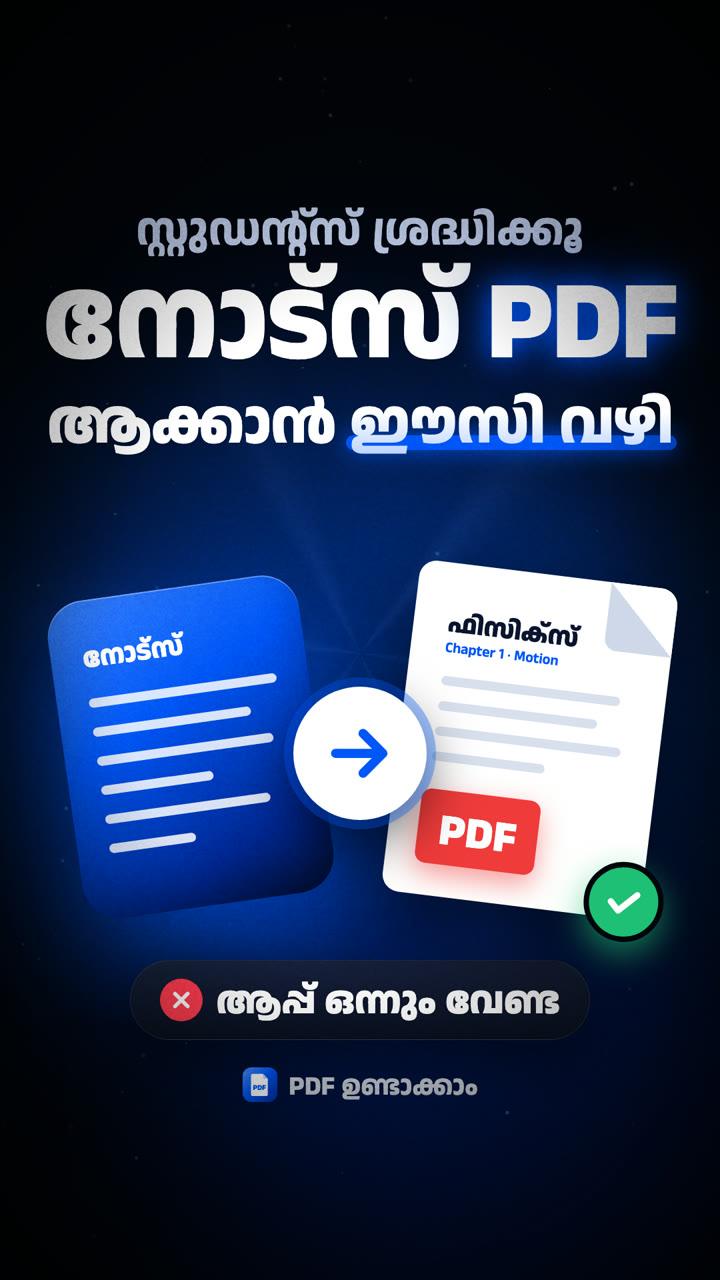
PDF ഉണ്ടാക്കാം: turn your notes into a clean A4 PDF
I built this for students. Type or paste your notes, add a heading, check the A4 preview and download a neat PDF, in Malayalam or English. Nothing to install.
Notes PDF ആക്കാൻ ഇനി വേറെ Apps ഒന്നും Install ചെയ്യണ്ട.
Some people have had trouble downloading the PDF in Safari. Open the website in Google Chrome, make the PDF and download it there. That works.
ചിലർക്ക് Safari-യിൽ Download Issue ഉണ്ട്. Google Chrome Browser-ൽ Website Open ചെയ്ത് PDF ഉണ്ടാക്കി Download ചെയ്തോളൂ, അത് Working ആണ്.
Notes in, PDF out
Open the website
1Go to farshadmp.in/pdf-undakkam on your phone or laptop. No app, no sign-up.
Pick a font
2Choose a Malayalam or an English font for your notes.
Add a heading and sub text
3Fill in Heading (ശീർഷകം) and Sub Text (ഉപശീർഷകം), like the subject and chapter.
Type or paste your notes
4Type them in, or copy your notes from anywhere and tap Paste.
Check the A4 preview
5Open A4 പ്രിവ്യൂ to see exactly how the page will look.
Tap PDF ഉണ്ടാക്കാം
6Your notes download as an A4 PDF, ready to send or print. Using Safari? Do this step in Chrome.
- Ready? It takes a minute.Open PDF ഉണ്ടാക്കാം
Good for
Good to know
Use Chrome to download
1Safari has a download problem for some people. In Google Chrome, the PDF downloads fine on both phone and laptop.
Works on your phone
2It's built mobile-first, so you can make the PDF right where your notes are.
Your notes stay on your device
3The PDF is made in your browser and nothing is uploaded. It also keeps your last draft, so you can come back to it.
Share it with friends
4Useful for your class? Send them the link: farshadmp.in/pdf-undakkam
Found a problem?
5Send me a DM on Instagram and I'll fix it.
More useful AI tips, in Malayalam
ഇതുപോലെയുള്ള Useful Tips അറിയാൻ Page Follow ചെയ്തോളൂ!