
Website design ideas, each with a ready AI prompt
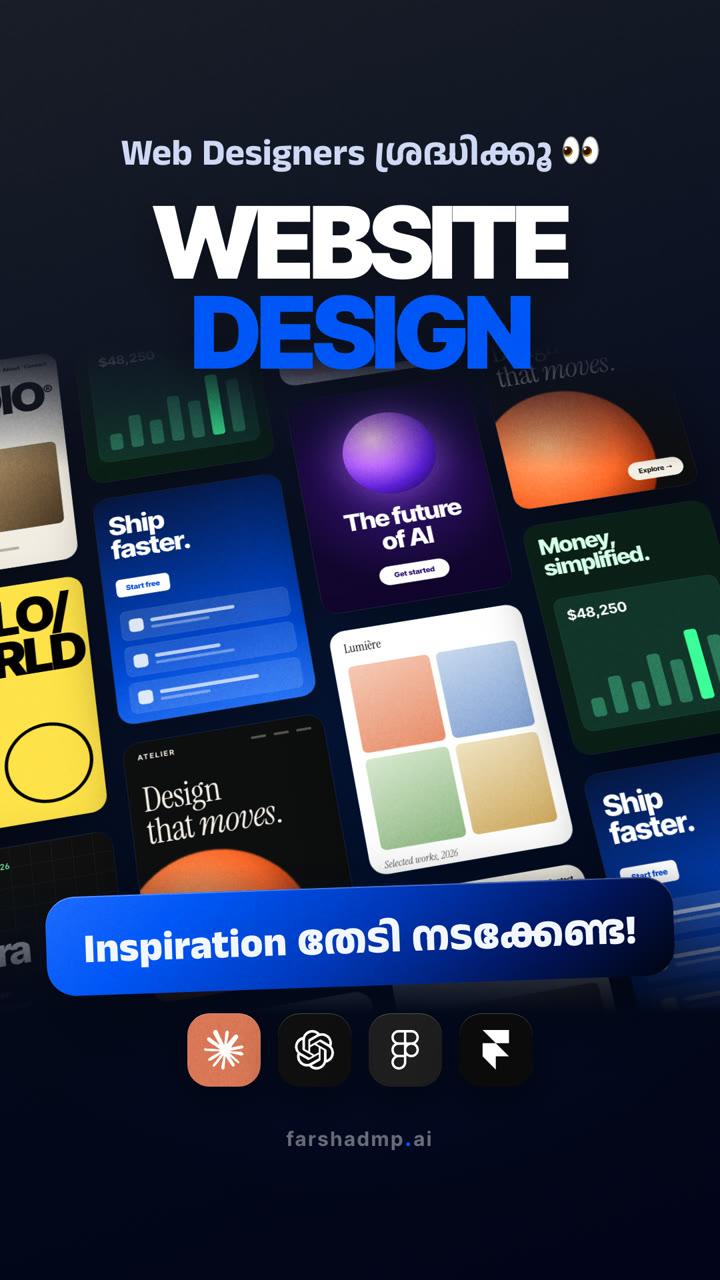
Superdesign's library is full of creative website designs, modern layouts, typography styles and UI references. Pick one you like, use it as a style reference, and build your own website with AI tools.
Website Design ചെയ്യാൻ ഇനി മണിക്കൂറുകളോളം Inspiration തിരഞ്ഞ് നടക്കേണ്ട!
Find a style, build your own
Open the library
1Browse by Style, Animation, UI Component, Landing Page or Presentations, or search for what you need.
Pick a design you like
2Look for a layout, colours and typography that fit your project.
Tap “Use prompt”
3Each design comes with a prompt that describes its style. This step asks you to sign in with Google or email.
Make it yours with AI
4Use the prompt as a style reference in an AI tool, with your own brand, text, colours and images.
- Ready? It takes a minute.Open the design library
Good for
Good to know
Inspiration, not a copy
1Use the style, then change the text, colours and images so the site is really yours.
Start with one section
2Build the hero first. When it looks right, ask the AI for the next section in the same style.
Check it on a phone
3Most visitors will open your site on a phone, so test the layout at mobile size.
Need a real website?
4If you'd rather have it built for you, I design and build websites. Say hi on the contact page.
More useful AI tips, in Malayalam
ഇതുപോലെയുള്ള Useful Tips അറിയാൻ Page Follow ചെയ്തോളൂ!